How to Build Your First Website
Walk through the WebYetu website wizard from start to finish: pick a category, describe your business, choose sections and colors, and launch your first site.
Walk through the WebYetu website wizard from start to finish: pick a category, describe your business, choose sections and colors, and launch your first site.
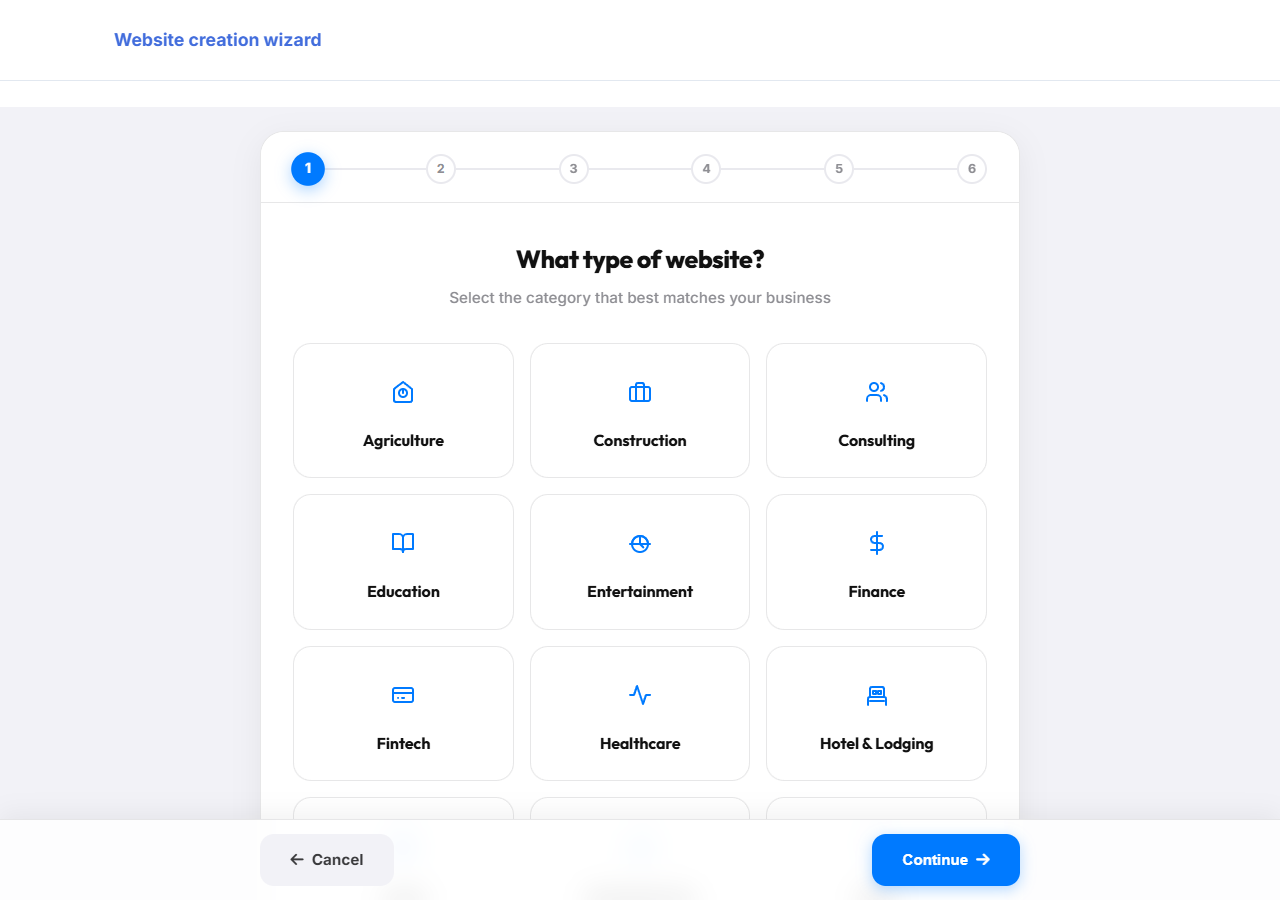
From your dashboard, click "Create Website" to start the wizard. Pick the category that best matches your business, for example Restaurant, Retail, or Consulting.
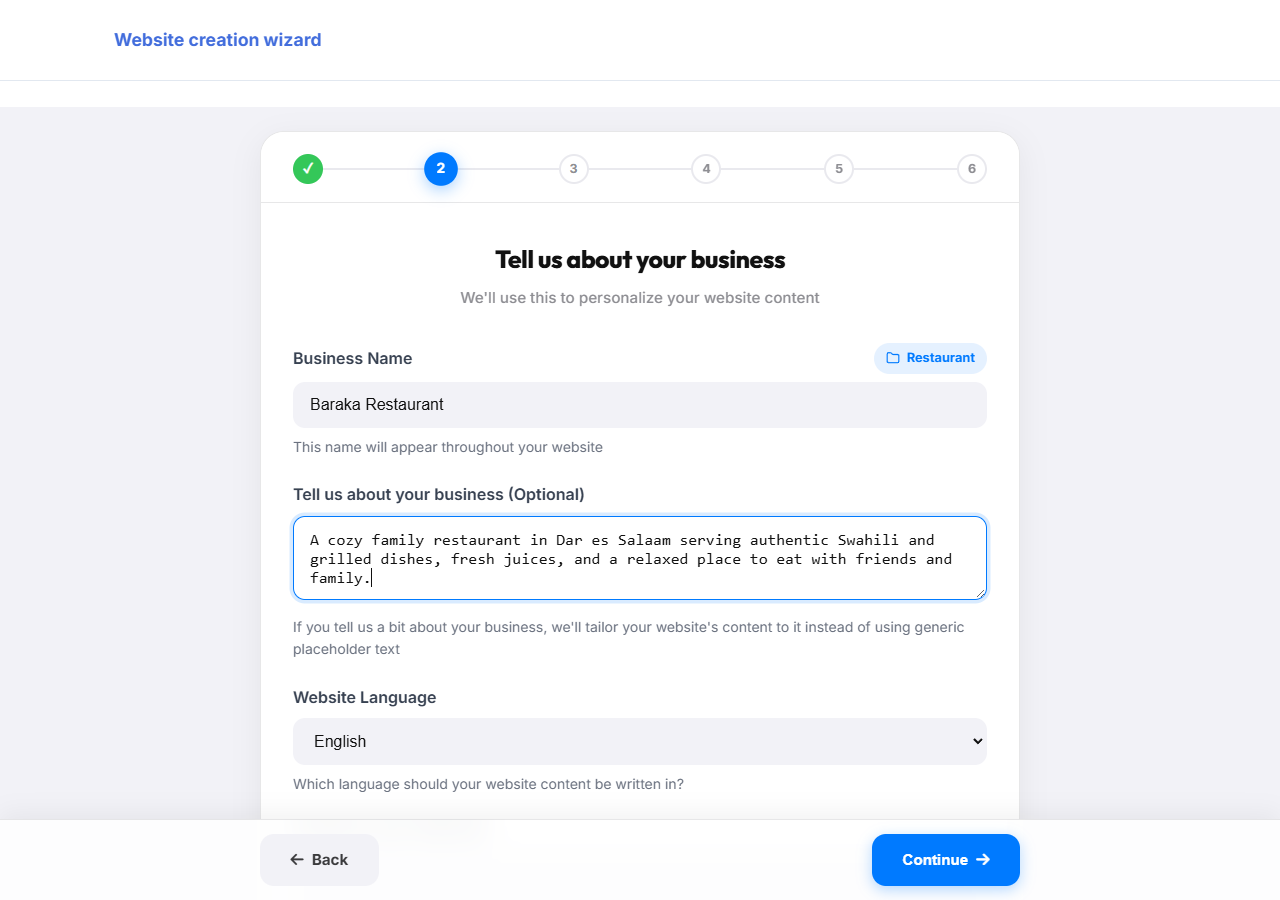
Enter your business name and, optionally, a short description of what you do. The description helps WebYetu write better content for your site automatically.
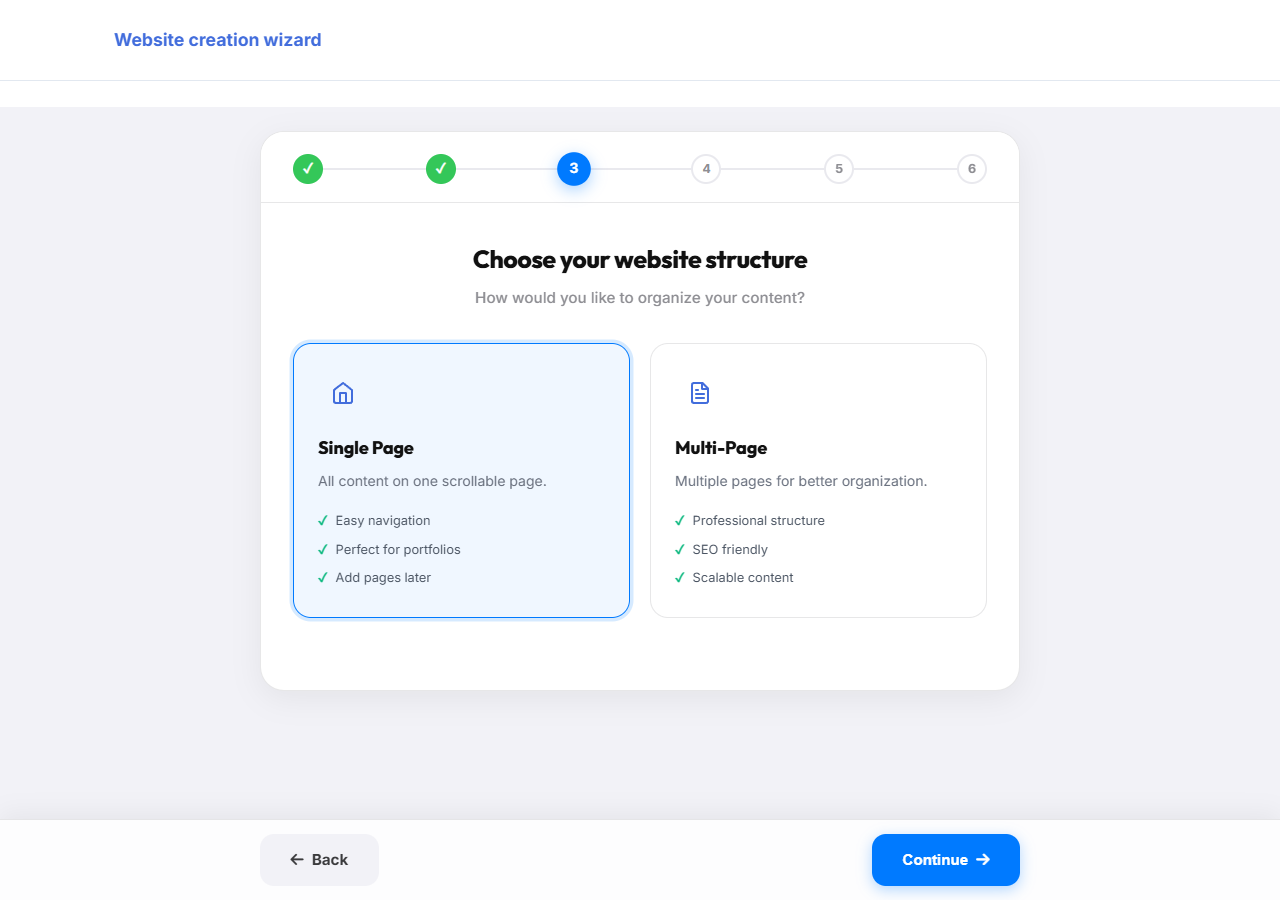
Single Page puts everything on one scrolling page, simple and quick. Multi-Page gives you separate pages like Home, About, and Contact. You can always add pages later.
Choose which content blocks appear on your site, like About Us, Services, Gallery, or a Menu. Sensible defaults are already selected for your category, so you can just continue.
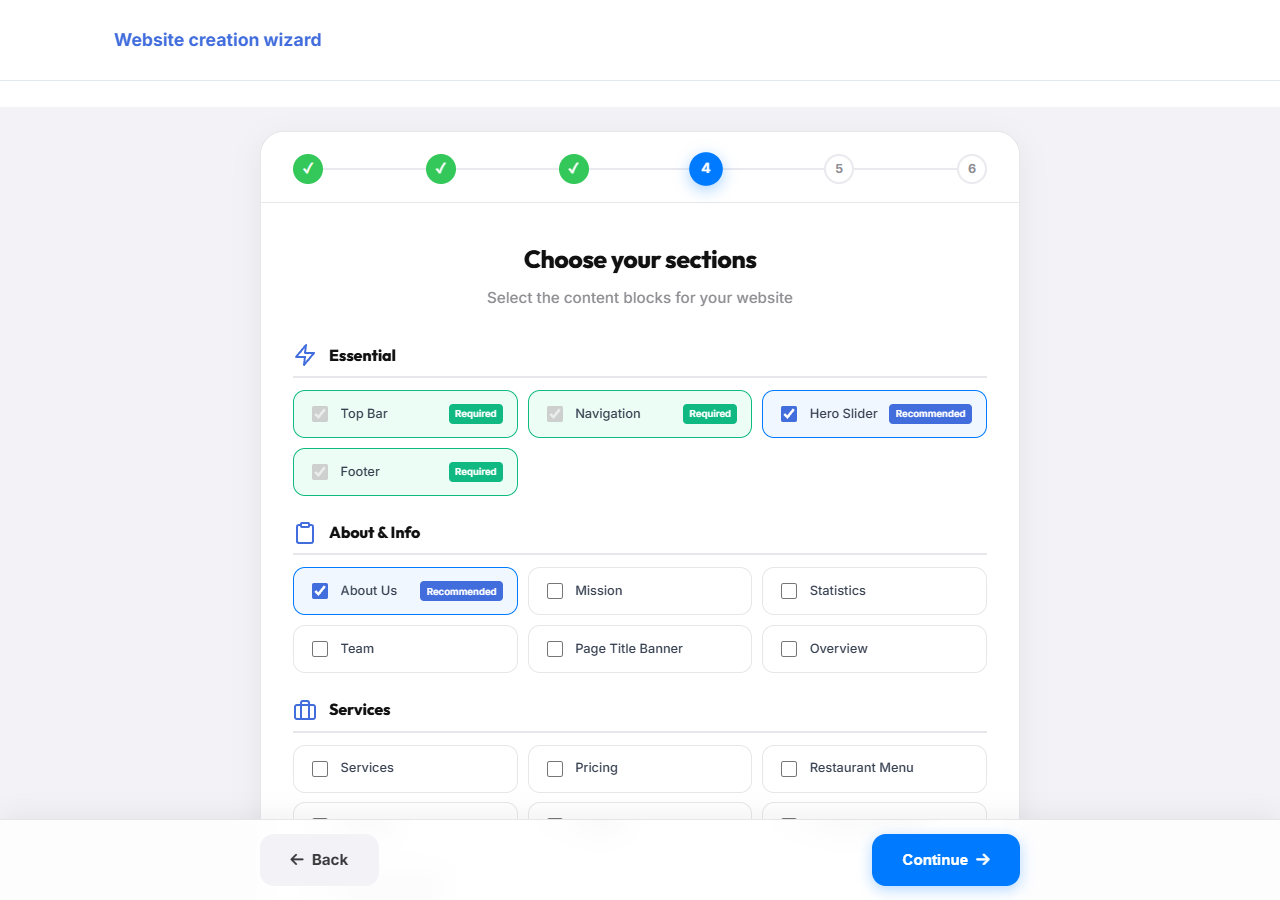
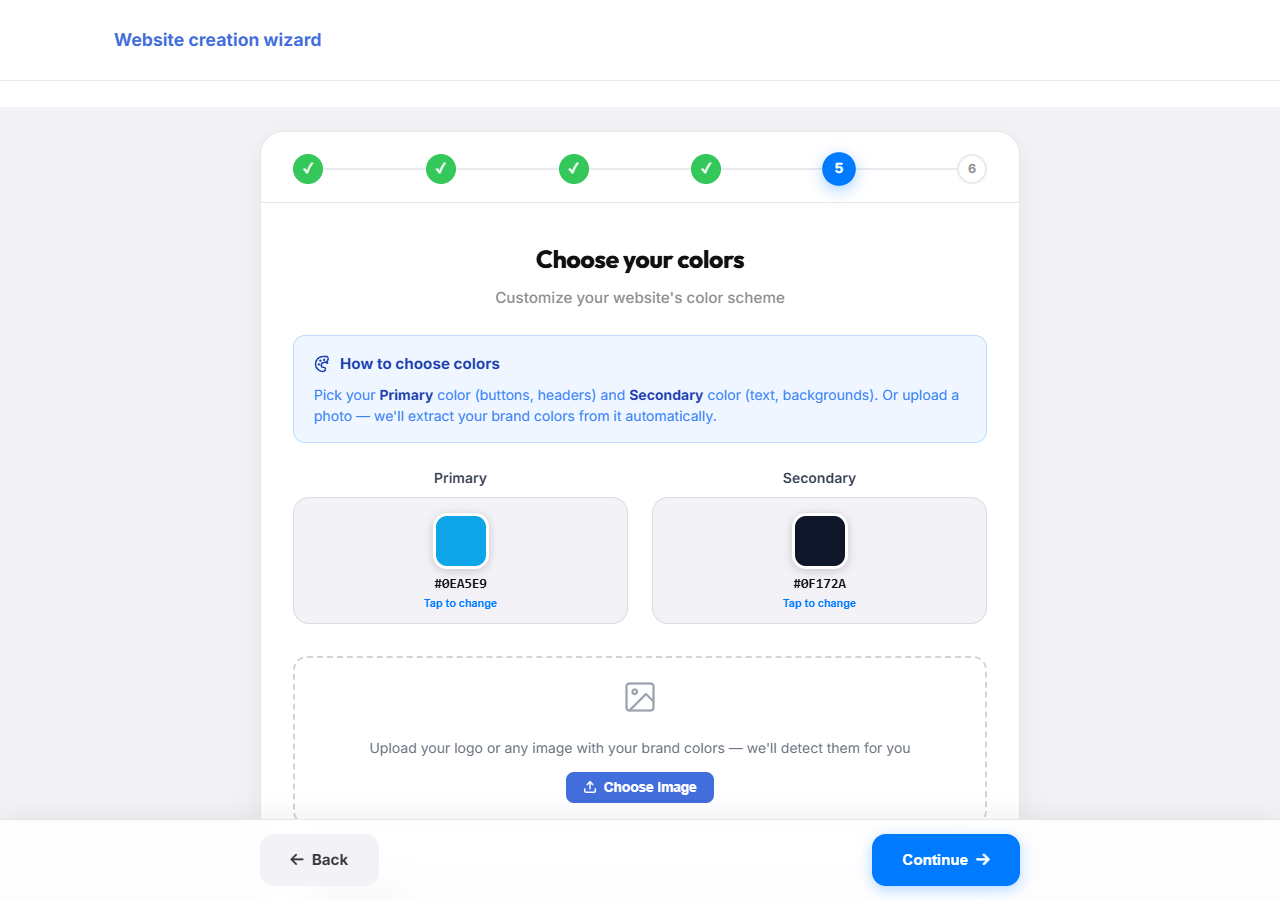
Pick a primary and secondary color for your site, or upload your logo and WebYetu will detect matching colors automatically.
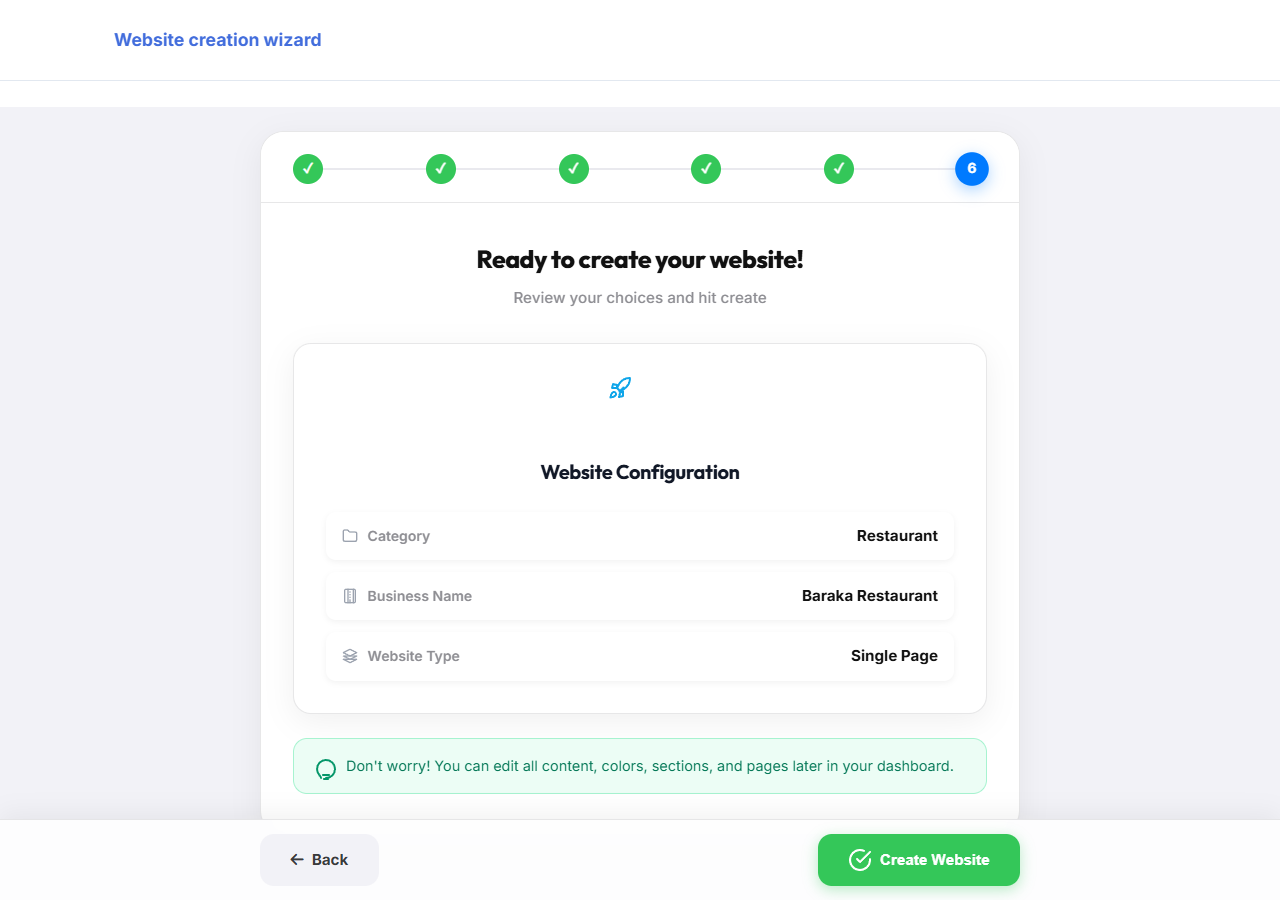
Check your category, business name, and website type, then click the green "Create Website" button. Your site is generated in seconds.
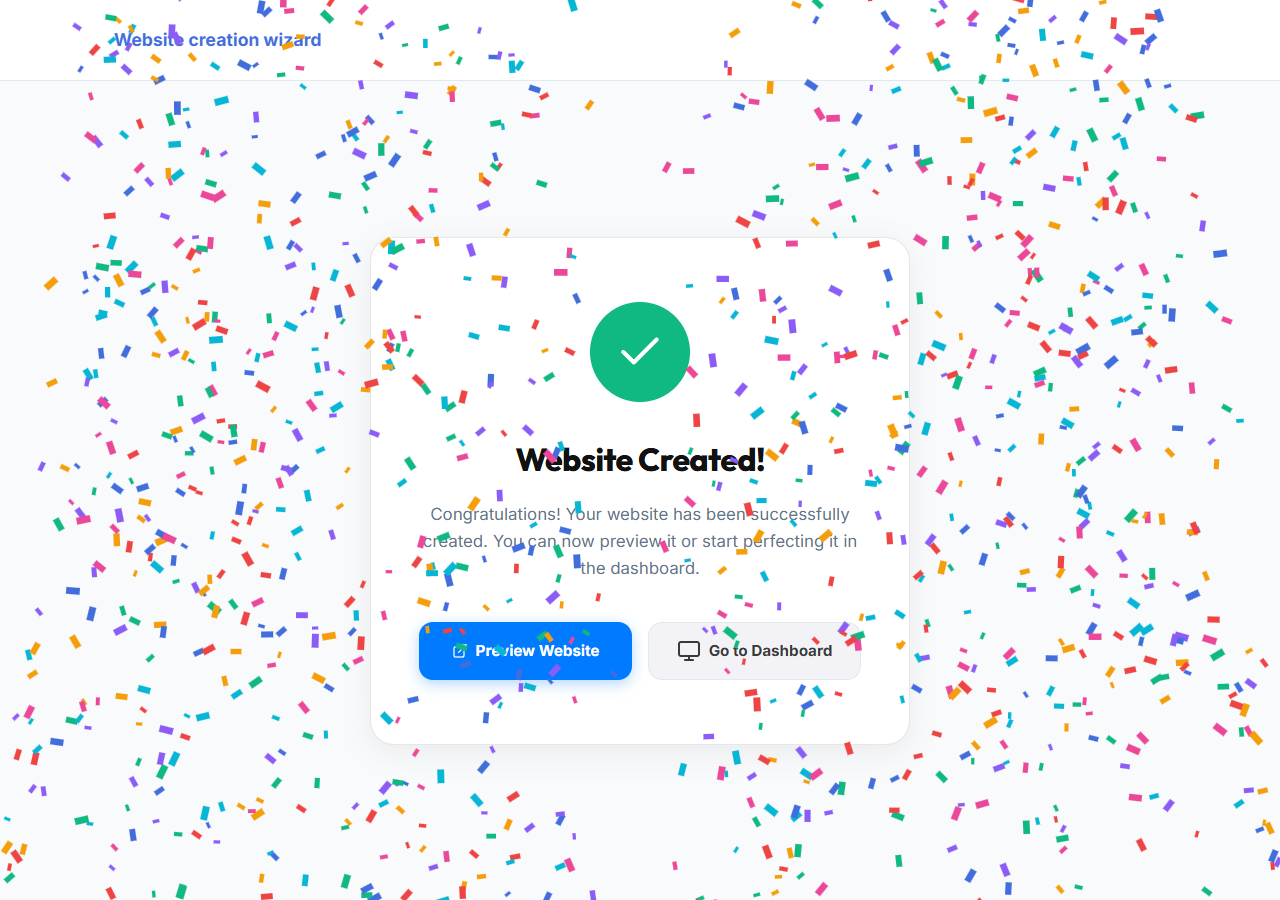
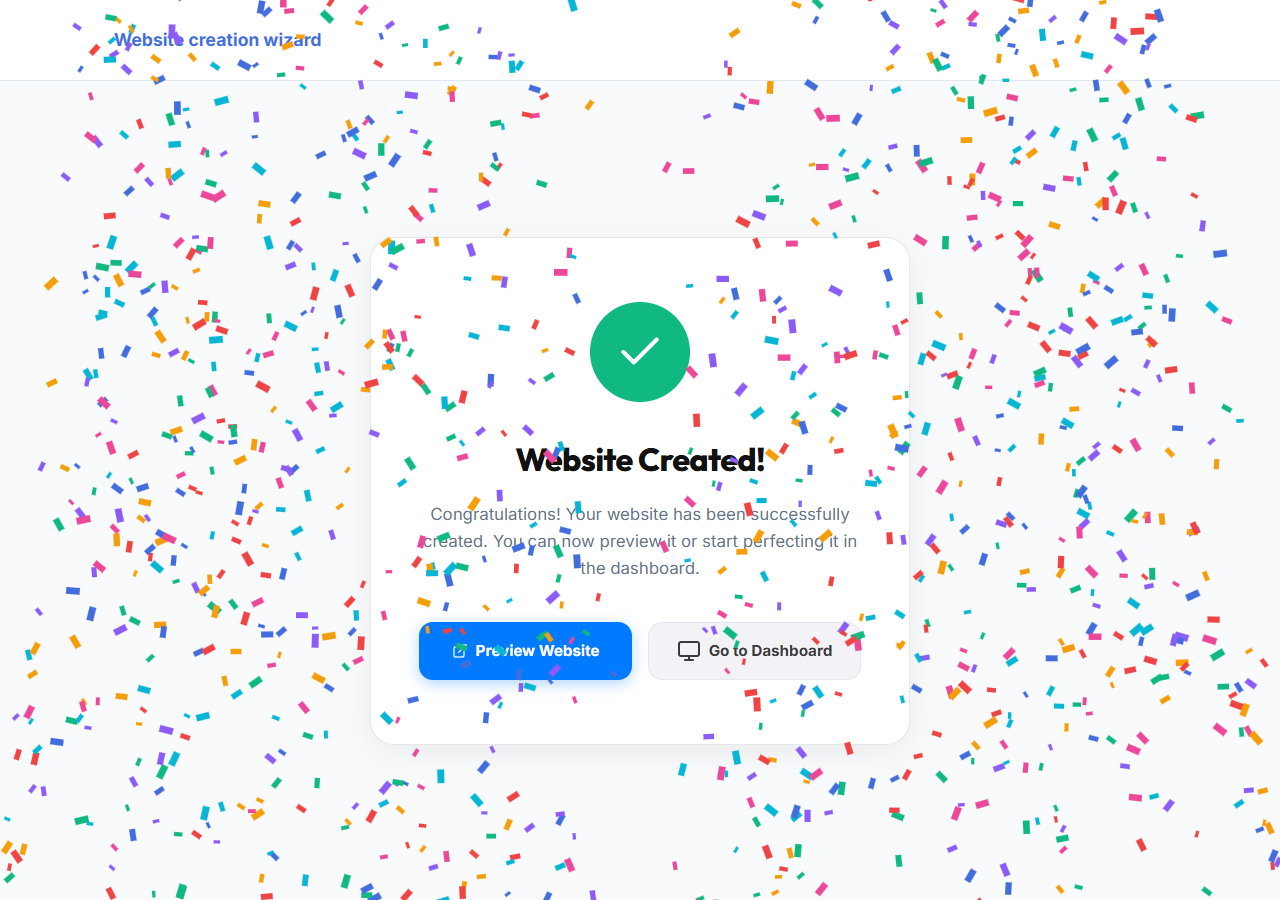
That is it, your website has been created. Click "Preview Website" to see it live, or "Go to Dashboard" to keep editing content, photos, and pages.
Reach our support team directly and we'll help you sort it out.